PDF to JPG Converter: Why and When You Should Convert PDF Files to Images
Need to extract pages from a PDF as images? Discover the advantages of converting PDFs to JPG files and how it improves sharing, accessibility, and content management.
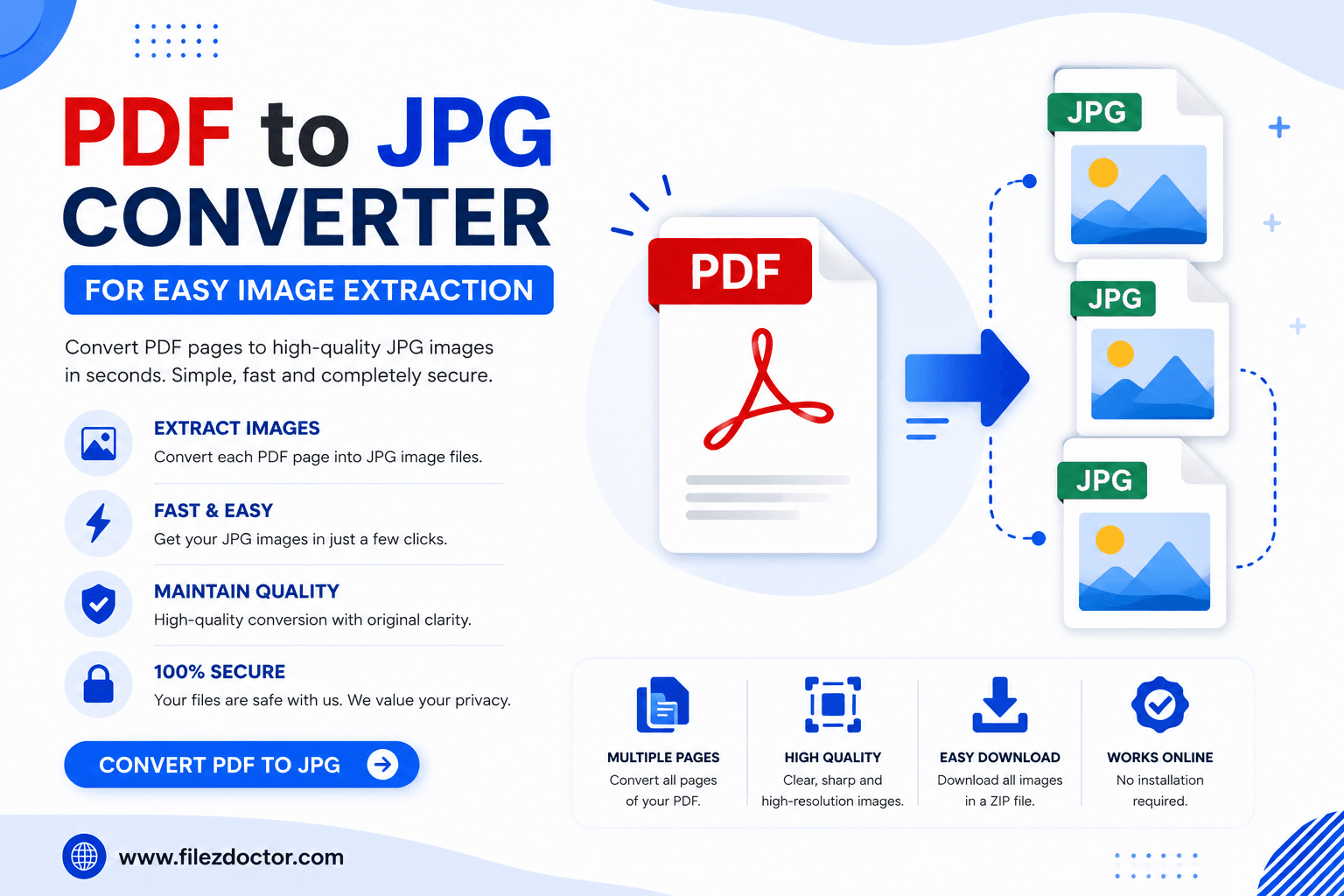
PDF files are excellent for preserving document formatting, but there are many situations where image formats like JPG are more practical. Whether you're sharing content on social media, adding visuals to a website, or extracting pages from a document, converting PDFs into JPG images can make your workflow much easier.
This guide explains the benefits of PDF to JPG conversion, common use cases, and best practices for getting high-quality image results.
What Is a PDF to JPG Converter?
A PDF to JPG converter transforms one or more PDF pages into image files in JPG format.
Instead of viewing content inside a PDF reader, users can access individual pages as images that are easier to upload, share, and display across various platforms.
How PDF to JPG Conversion Works
The converter processes each PDF page and saves it as a separate JPG image while preserving the visual appearance of the original document.
Why Convert PDF Files to JPG?
Converting PDFs to JPG images offers flexibility that standard PDF files may not provide.
Easier Sharing on Social Media
Most social media platforms support image uploads more easily than PDF files.
Better Website Integration
Websites typically display JPG images directly, making them ideal for blogs, landing pages, and portfolios.
Quick Document Previews
Images allow users to preview content without downloading a PDF file.
Improved Accessibility
JPG files can be viewed on virtually any device without requiring a dedicated PDF reader.
Common Uses for PDF to JPG Conversion
Many professionals rely on PDF to JPG conversion in their daily work.
Marketing Materials
Convert brochures, flyers, and advertisements into images for online campaigns.
Educational Content
Teachers can transform study guides and worksheets into image-based learning resources.
Business Presentations
Extract charts, graphs, and reports from PDFs for use in presentations.
Portfolio Showcases
Designers and photographers often convert PDF portfolios into images for websites and social platforms.
Benefits of Converting PDFs to JPG Images
Faster File Viewing
Users can instantly open image files without specialized software.
Easy Editing
Many image editing tools support JPG files, allowing quick modifications.
Broad Compatibility
JPG is one of the most widely supported image formats across operating systems and devices.
Convenient Content Reuse
Images can be inserted into websites, presentations, documents, and social media posts with ease.
Best Practices for PDF to JPG Conversion
Use High-Quality Source PDFs
Clear source files produce sharper and more professional image outputs.
Maintain Appropriate Resolution
Higher resolution images preserve text readability and visual quality.
Organize Converted Files
Store image files in properly named folders for easier management.
Verify Image Quality
Always review the generated JPG files before publishing or sharing them.
Common Mistakes to Avoid
Using Low-Quality PDFs
Poor-quality PDFs often result in blurry image outputs.
Ignoring Resolution Settings
Low-resolution images may become difficult to read when enlarged.
Converting Unnecessary Pages
Select only the pages you need to keep file management efficient.
Conclusion
A PDF to JPG converter is a valuable tool for businesses, students, marketers, and content creators. By converting PDF pages into image files, users gain greater flexibility for sharing, editing, publishing, and presenting information.
Ready to optimize your PDFs?
Experience the world's fastest PDF tools today.