How to Split PDF Files into Separate Pages Online
Need to extract pages from a PDF document? Learn how PDF splitting works, why it's useful, and how online tools help you organize large PDF files with ease.
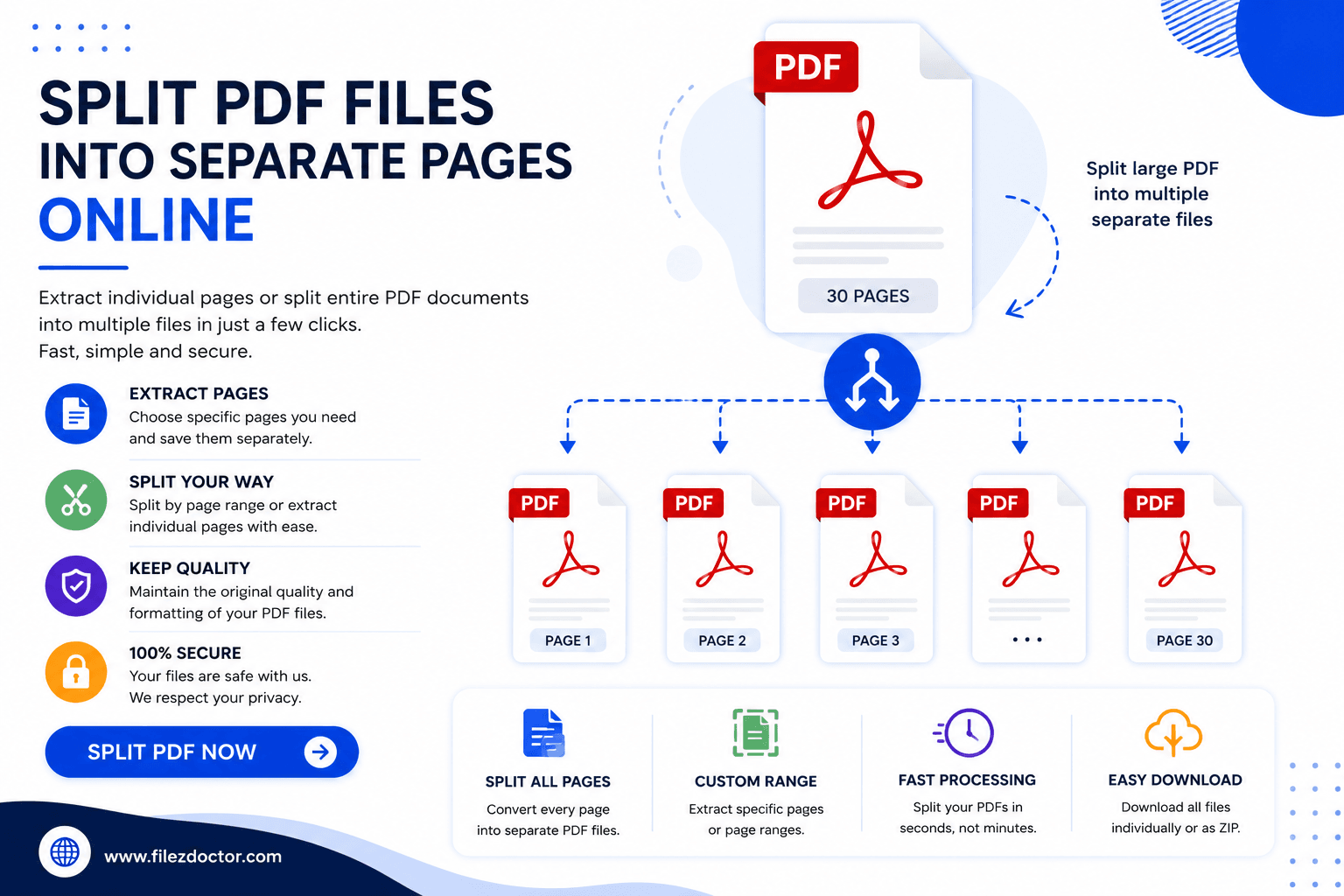
PDF documents are excellent for storing and sharing information, but large PDF files can sometimes be difficult to manage. Whether you need to extract a single page, separate chapters, or share only specific sections of a document, splitting a PDF can save time and improve organization.
What Is PDF Splitting?
PDF splitting is the process of dividing a PDF document into multiple smaller files or extracting specific pages from an existing PDF.
Instead of sharing an entire document, users can create smaller PDFs containing only the information they need.
Common Types of PDF Splitting
Extracting individual pages
Separating document chapters
Dividing large reports into sections
Creating multiple PDF files from one document
Removing unnecessary pages
Why Split PDF Files?
Large PDF documents often contain information that isn't relevant to every recipient.
Share Only Relevant Information
Send specific pages instead of entire documents.
Improve File Organization
Smaller PDFs are easier to store, manage, and locate.
Reduce File Size
Splitting large files can make sharing and uploading faster.
Increase Productivity
Quick access to important sections improves workflow efficiency.
Benefits of Using an Online PDF Splitter
Online PDF tools make document management faster and more accessible.
No Software Installation Required
Access tools directly through your web browser.
Fast Processing
Split documents within seconds.
Easy to Use
Most PDF splitters require only a few clicks.
Access from Any Device
Manage PDFs from desktops, tablets, or smartphones.
Best Practices for Splitting PDF Files
Identify Pages Before Splitting
Review the document and select the exact pages you need.
Use Clear File Names
Name extracted files appropriately for easy identification.
Organize Files into Folders
Store split documents in dedicated folders for better management.
Review Output Files
Always verify that the extracted pages are complete and accurate.
Conclusion
Splitting PDF files is an effective way to organize documents, improve sharing efficiency, and simplify file management. Whether you're working with business reports, educational materials, legal records, or personal documents, PDF splitting allows you to focus on the information that matters most.
Ready to optimize your PDFs?
Experience the world's fastest PDF tools today.