How to Merge Multiple PDF Files into One Document Online
Need to combine several PDF documents into one file? Learn how PDF merging works, why it's useful, and the best practices for organizing documents online.
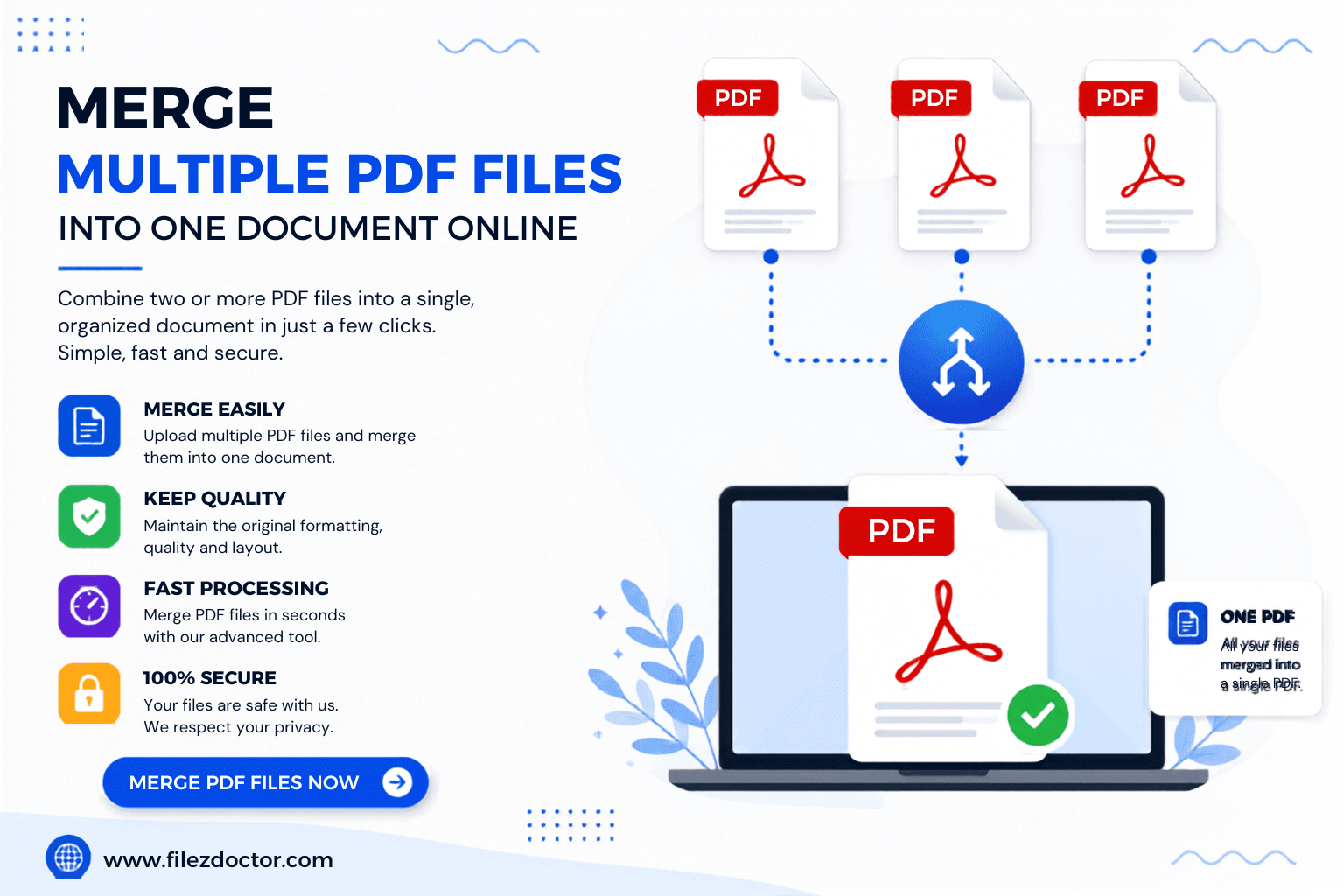
Managing multiple PDF files can become challenging, especially when working with reports, contracts, invoices, presentations, or project documents. Instead of sending several separate files, combining them into a single PDF creates a more organized and professional document.
In this guide, you'll learn the benefits of merging PDF files, when to use PDF merging, and how online PDF tools can simplify document management.
What Is PDF Merging?
PDF merging is the process of combining two or more PDF files into a single document.
Instead of managing multiple files separately, users can create one organized PDF that contains all relevant information in the correct order.
Common Examples of PDF Merging
Combining invoices into a monthly report
Merging contract pages into one file
Creating project documentation
Combining scanned documents
Organizing educational materials
Why Merge PDF Files?
Combining PDFs offers several advantages for both personal and professional use.
Better Organization
A single PDF is easier to manage than multiple separate documents.
Simplified File Sharing
Sending one document is faster and more convenient than attaching multiple files.
Improved Professional Presentation
Merged PDFs provide a clean and structured appearance when sharing reports, proposals, or contracts.
Reduced Document Confusion
Recipients receive all information in one file, reducing the chance of missing important pages.
Situations Where PDF Merging Is Useful
Many industries use PDF merging daily.
Business Reports
Combine monthly reports, financial statements, and performance summaries into one document.
Legal Documents
Merge contracts, agreements, and supporting documents into a complete file.
Educational Materials
Teachers and students can organize notes, assignments, and reference materials.
Client Proposals
Create professional proposal packages by combining multiple PDFs into one presentation-ready document.
Benefits of Using an Online PDF Merger
Online PDF tools eliminate the need for software installation and make document management more accessible.
Fast Processing
Merge files within minutes directly from your browser.
Easy Accessibility
Access PDF tools from any device with an internet connection.
Improved Productivity
Reduce time spent organizing and managing multiple files.
User-Friendly Experience
Most online PDF tools require only a few simple steps to combine documents.
Best Practices for Merging PDF Files
Arrange Files Before Merging
Place documents in the correct order before combining them.
Review File Quality
Ensure all PDFs are readable and properly formatted.
Remove Duplicate Pages
Check for duplicate content before creating the final document.
Verify Final Output
Always review the merged PDF to confirm page order and formatting.
Additional PDF Tools That Work Well with PDF Merging
PDF merging is often part of a larger document workflow.
Compress Large PDFs
Reduce file size after merging to make sharing easier.
Split Large PDF Files
Separate merged documents into smaller sections when needed.
Protect Important PDFs
Add security to confidential documents before sharing.
Convert Word Files into PDFs
Create PDF documents before merging them into larger files.
Common Mistakes to Avoid
Merging Unorganized Files
Always verify the order of documents before combining them.
Ignoring File Size
Large merged PDFs may become difficult to share if not compressed afterward.
Skipping Quality Checks
Always review the final merged document to ensure correctness and formatting.
Conclusion
Merging PDF files is a simple yet powerful way to improve document organization, simplify sharing, and create professional presentations. Whether you're combining reports, contracts, invoices, or educational materials, PDF merging helps keep everything in one convenient file.
With FilezDoctor's PDF tools, users can efficiently merge, compress, split, convert, and protect documents to streamline their daily workflows and improve productivity.
Ready to optimize your PDFs?
Experience the world's fastest PDF tools today.